External domains, ports, certificates and accessible paths are checked on a schedule.
admin.oksasecurity.comPublic admin page
HIGHSee what your organization exposes to the internet, decide what matters, and track each fix until a later scan confirms the change.
▦ Sample company · no account requiredFind exposed services across your domains.
Review evidence, severity and why it matters.
Assign an owner, track work and fix the issue.
A later scan checks whether the exposure remains.
Recommendation · Restrict access to approved networks and verify with a later scan.
Assigned to Morgan Lee · Due 03 Oct 2026
See what each view helps you do, from reviewing an exposure to verifying the fix and sharing progress.
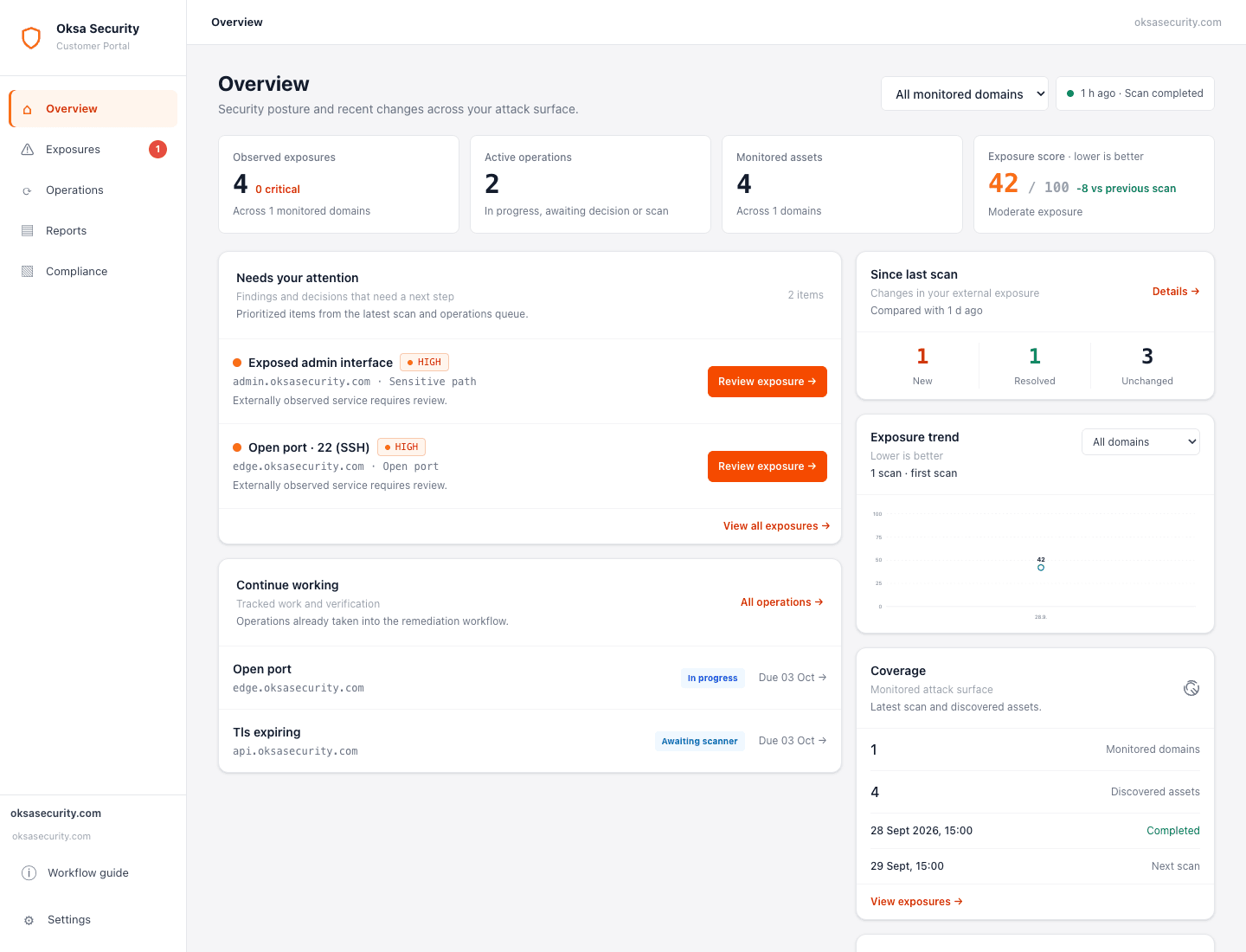
Know what needs your attention.
See your security posture, recent changes and active remediation work across monitored domains. Identify the exposures that need review first.
Next step Open an exposure to understand the evidence and decide what to do.
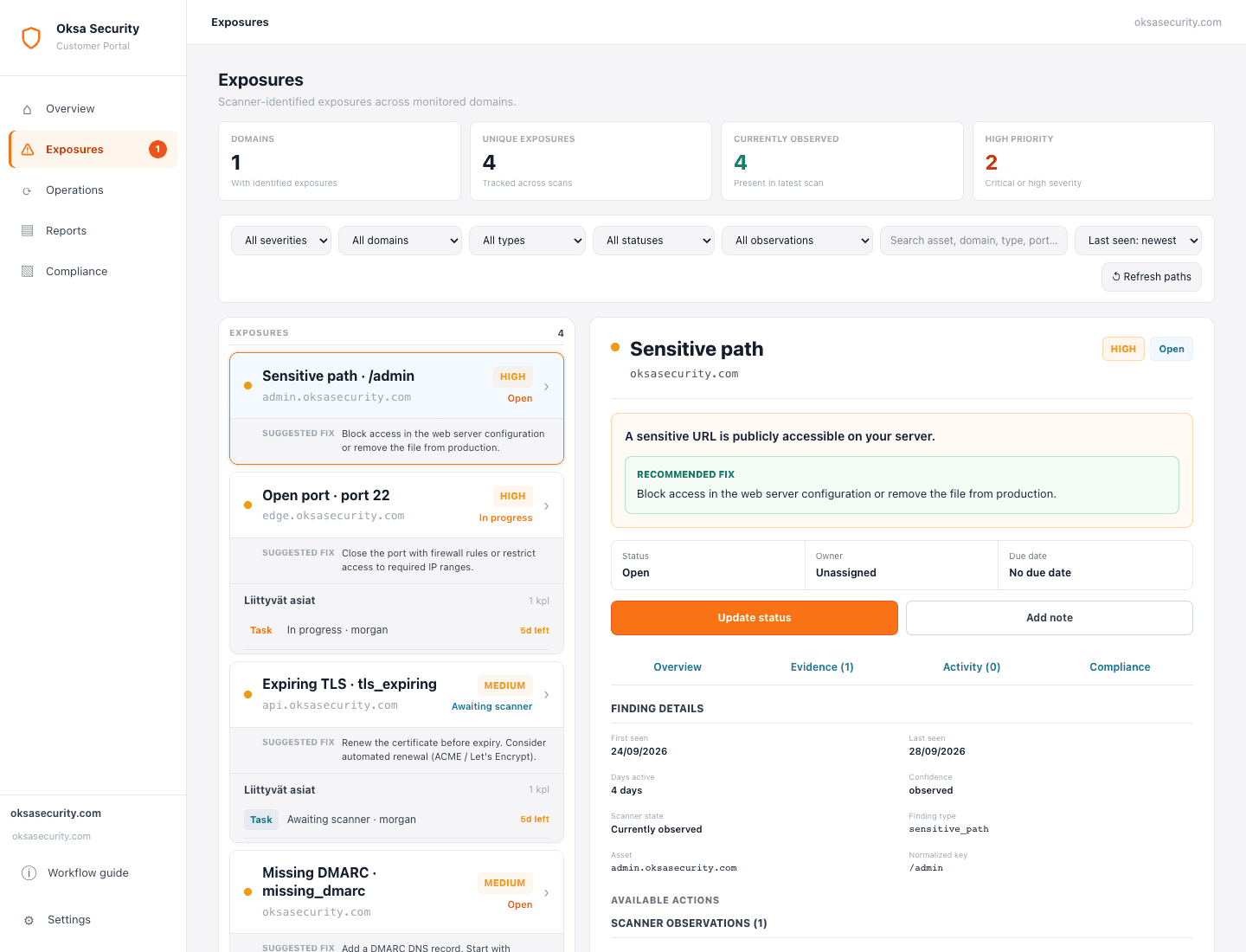
Understand the evidence and make a decision.
Review each finding’s affected asset, severity, scanner evidence and recommended fix. Start remediation, accept the risk or mark a false positive while keeping the original scanner observation intact.
Next step Move findings that need a fix into Operations and assign an owner.
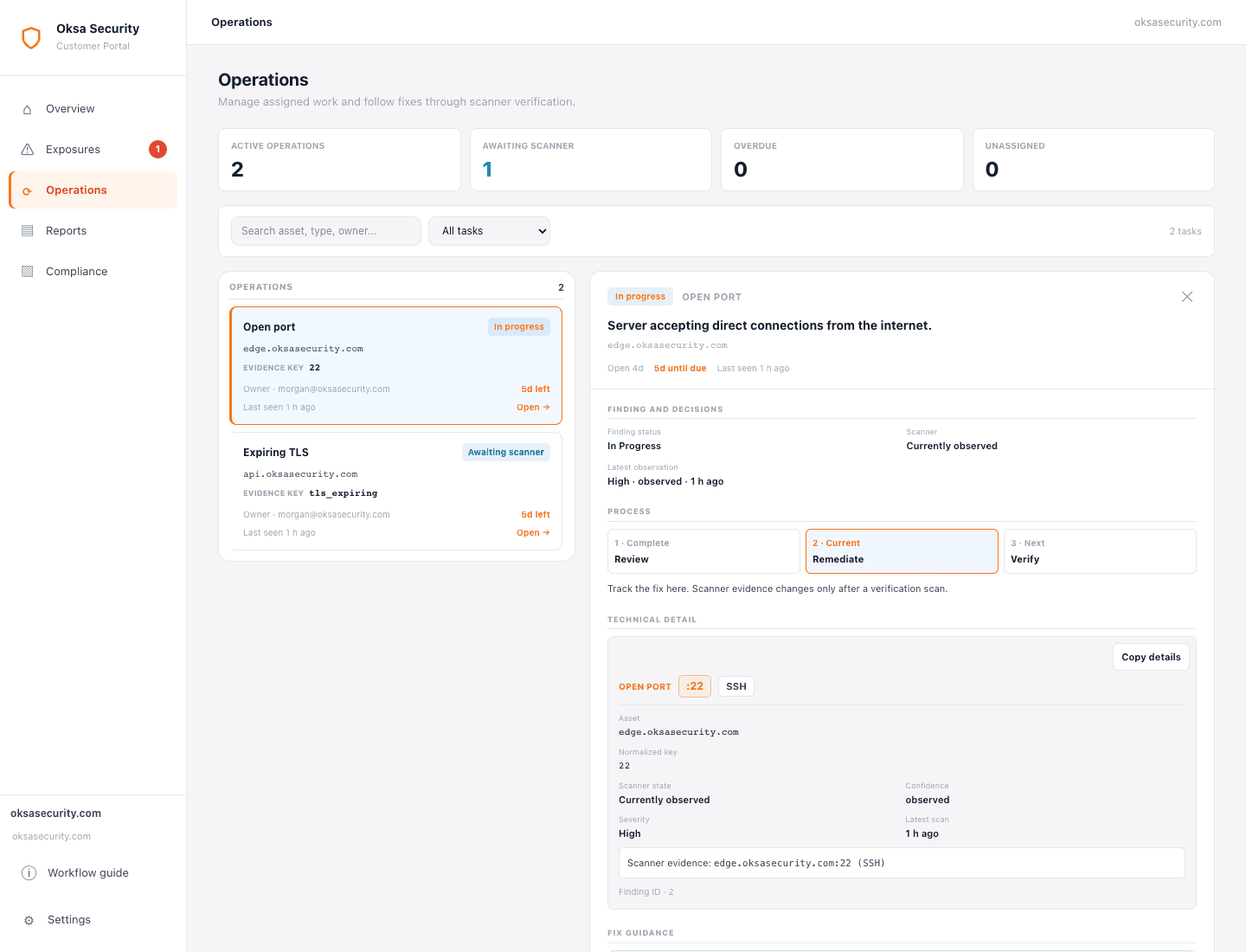
Take a fix from assigned work to verification.
Manage ownership, due dates and work notes for remediation tasks. Once the fix is ready, submit it for verification. A later scan must confirm the exposure is absent with sufficient coverage before it is resolved.
Next step Follow pending verification and continue remediation if the exposure remains.
Share progress and the work that remains.
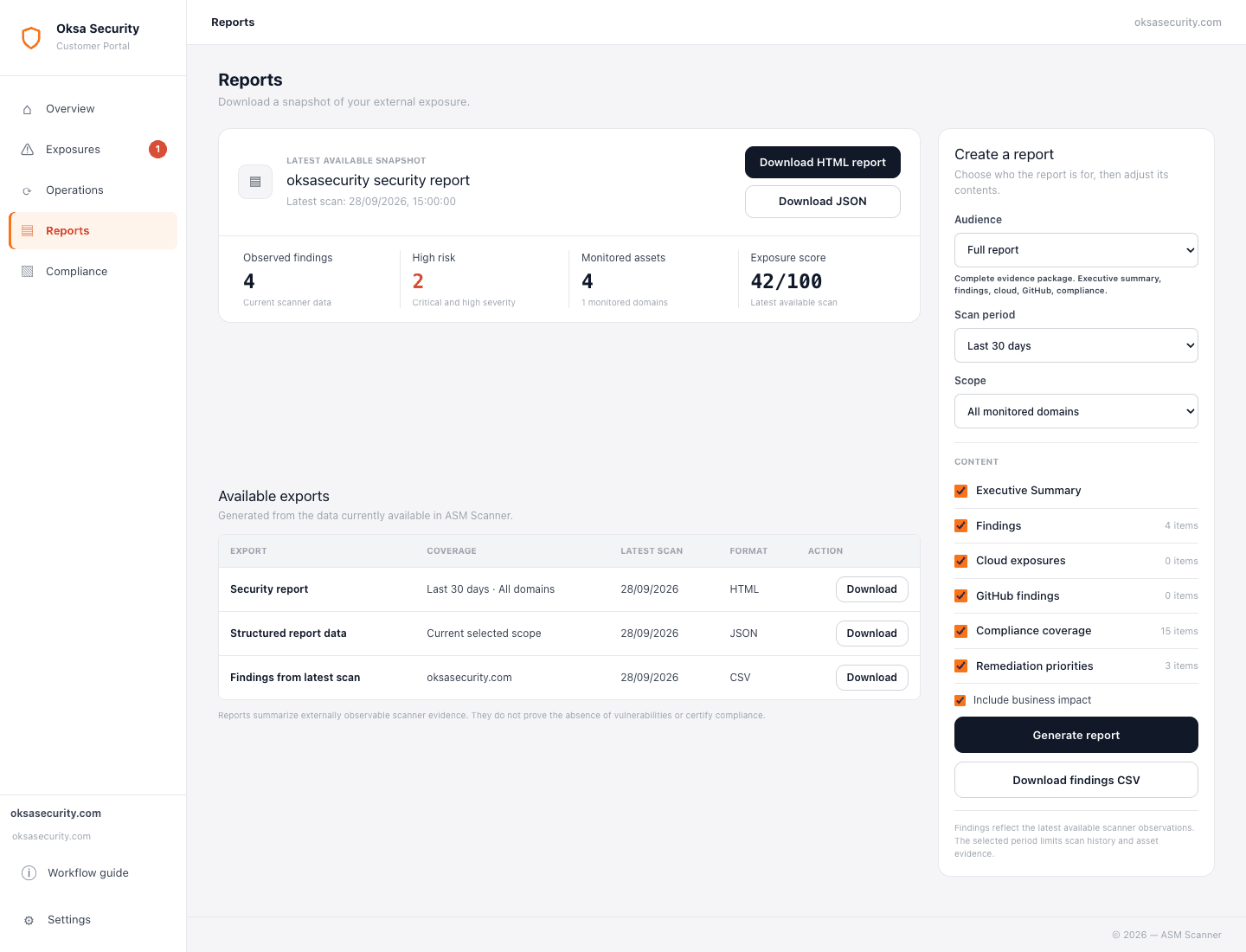
Create reports from scanner evidence and workflow history so stakeholders can review external exposure, remediation progress and verified outcomes.
Next step Use the report to agree on priorities for the next round of remediation.
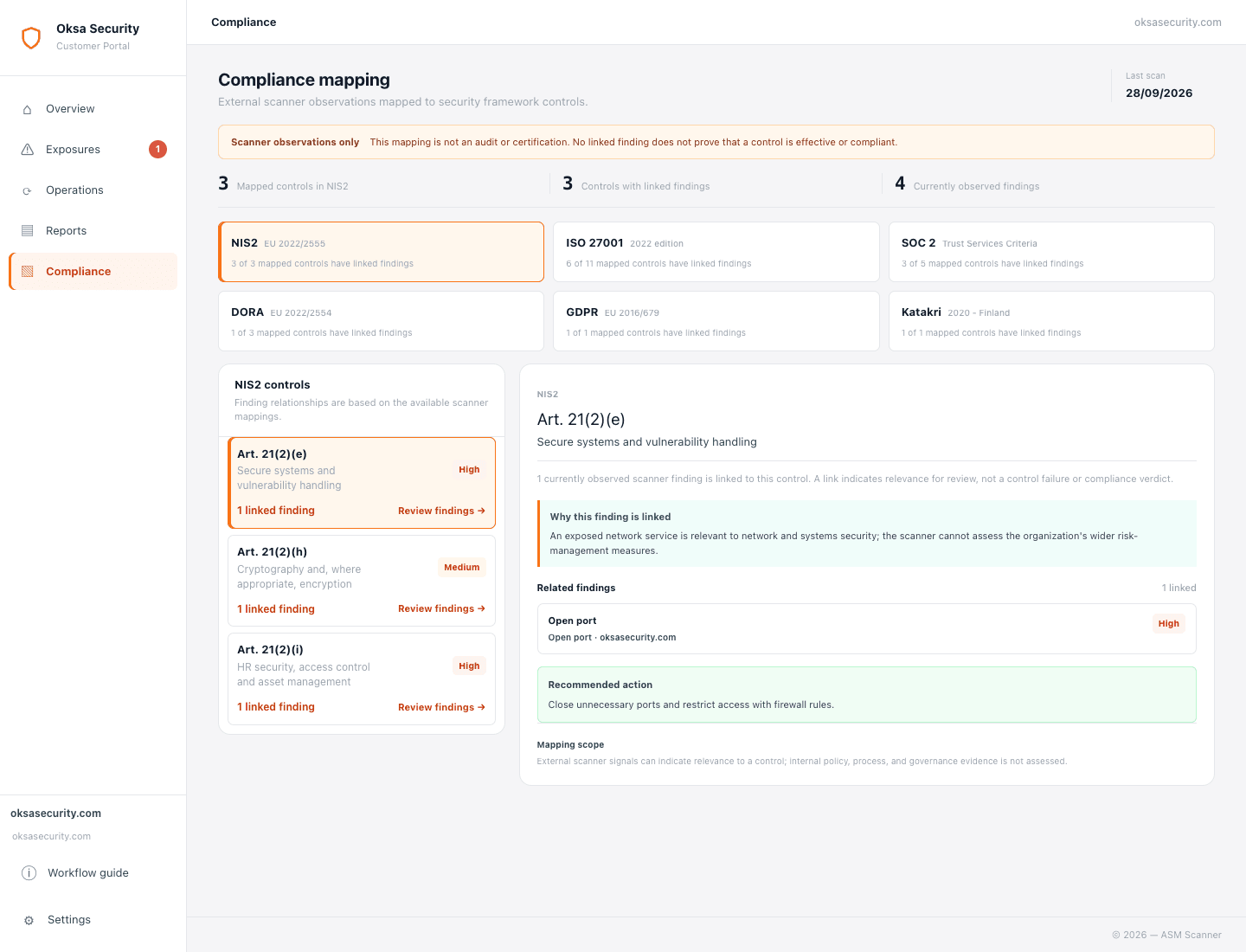
Connect external findings to control reviews.
Review how scanner observations relate to framework controls and identify evidence for further assessment. These mappings support a review; they do not establish compliance or certification.
Next step Review the linked findings and decide which exposures need action.